GET THE APP
Install Living Out Loud
Use Living Out Loud from your Home Screen, dock, or app launcher.

Living Out Loud
Install from Chrome.
The portal works in any modern browser. When your browser supports direct PWA installation, we use its native installer; otherwise we show the correct fallback steps.
Chrome
Install from Chrome
Desktop Chromium browsers normally offer installation from the address bar or browser menu when the app is installable.
1
Look for the install icon
Check the right side of the address bar for an Install icon.
2
Or open the browser menu
Open the Chrome menu and look for Install Living Out Loud, Apps, or Install this site as an app.
3
Confirm
Confirm the installation.
Universal fallback
Open Living Out Loud on your phone.
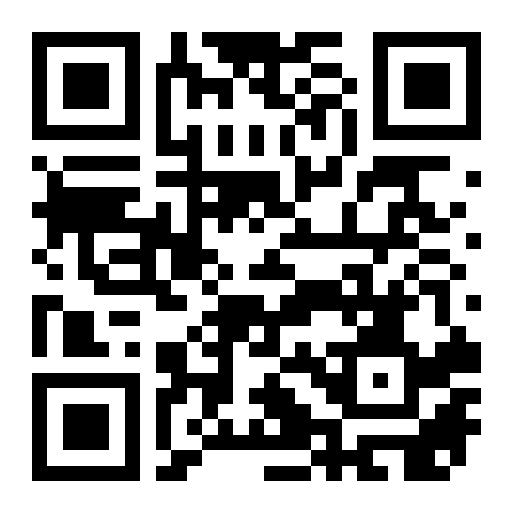
Use this same install link from any device. Scan the QR code or open portal.built-2.com/install. The page detects the browser and shows the shortest supported install path.
You'll always find Install Living Out Loud under Profile until this device has installed the app.